 Your Money
How to Budget Without a Spreadsheet
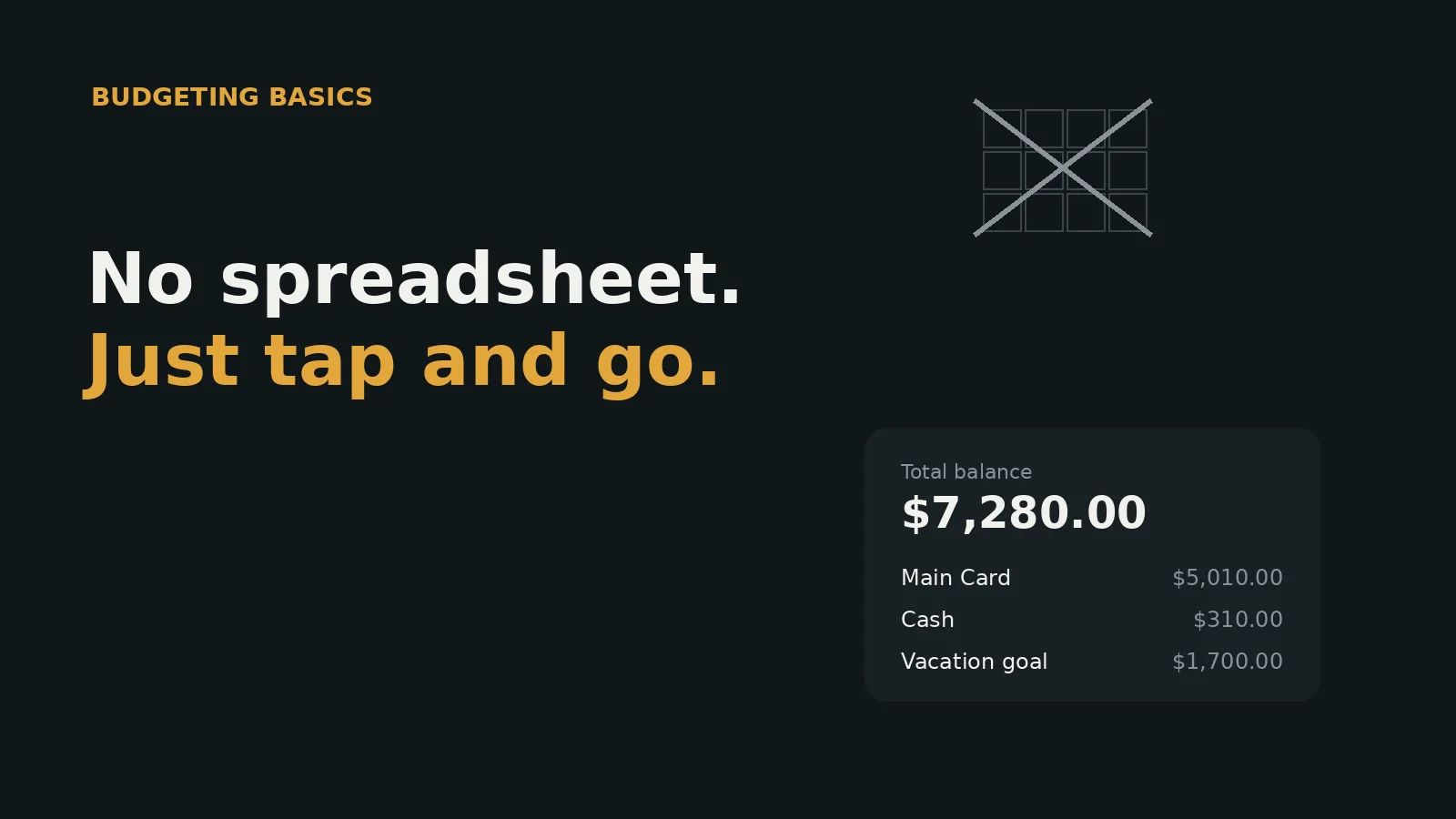
A spreadsheet budget usually works fine for the first few weeks, and then a specific kind of failure shows up: one skipped week turns into two, a formula gets accidentally overwritten, or updating it starts requiring you to remember what half the columns were even supposed to track. The spreadsheet itself didn’t do anything wrong — it’s just a tool that was never designed for the way people actually spend money day to day.
A phone-based system solves this by removing the parts of a spreadsheet that don’t have anything to do with the actual goal of knowing where your money goes.
Why spreadsheets specifically tend to fail
This isn’t about spreadsheets being a bad idea — many people build genuinely thoughtful ones. The failure mode is more mechanical than that:
-
Updating it requires sitting down at a computer, which is a different moment than when you’re actually standing at a register or checking out online
-
A single broken formula (an accidentally deleted cell, a copy-paste that shifted a reference) can throw off totals without an obvious sign that anything’s wrong
-
The setup itself — formulas, tabs, formatting — is a project you have to build and maintain, separate from the actual task of tracking spending
-
There’s no prompt or reminder built in; if you don’t proactively remember to open it, nothing nudges you back
None of these are really about discipline. They’re structural properties of the tool itself, and they show up eventually for almost everyone who tries to maintain a spreadsheet long-term, regardless of how organized they are.
What a phone-based system does differently
The core difference isn’t the categories or the math — it’s where the tool lives relative to the moment you’re actually spending money. A spreadsheet lives on a computer you check occasionally. A phone lives in your pocket at the exact moment a purchase happens, which means logging can happen in seconds, right then, instead of being deferred to a future session that may or may not happen.
The totals and category breakdowns also update automatically, which removes the entire category of spreadsheet failure where a formula silently breaks and nobody notices for weeks.
The honest trade-off
A spreadsheet really can do things a purpose-built app can’t — arbitrary custom calculations, unusual category structures, formatting exactly the way you want it. That flexibility is real, and some people genuinely want it enough that the maintenance cost is worth it to them.
The trade-off is that all of that customization comes from you building and maintaining it yourself. For most people, the actual goal isn’t a perfectly customized system — it’s a reasonably accurate picture of where money goes, achieved with as little ongoing maintenance as possible. If that’s the goal, a system that requires zero setup and updates itself is usually a better fit than one that requires building your own tool before you can even start using it.
Moving your existing categories over
Switching away from a spreadsheet is usually less work than it sounds like. Most spreadsheet budgets, however many rows and formulas they contain, tend to boil down to somewhere between five and ten actual categories in practice — the complexity is usually in the formulas and formatting, not in the underlying structure of how the money gets grouped.
Recreating that same handful of categories in a new system typically takes a few minutes, not a full afternoon. The historical data in the old spreadsheet doesn’t need to be migrated line by line — most people simply archive the old file and start fresh going forward, which is a much smaller task than trying to import years of rows into a new format.
Where to actually start
If you’re moving away from a spreadsheet for the first time, starting with a simple set of categories and building the habit of logging in the moment — rather than trying to replicate every formula and tab your old spreadsheet had — tends to be the difference between a system that lasts and one that quietly turns into another abandoned file.
Common spreadsheet habits worth dropping, not carrying over
A few patterns that show up often in spreadsheet budgets are worth leaving behind rather than recreating in a new system:
-
A separate tab for every month, which requires manually copying the category structure forward each time and often introduces small inconsistencies between months
-
Formulas that reference other formulas several layers deep, which work fine until one upstream cell changes and the error is hard to trace back to its source
-
Categories that multiplied over time as edge cases came up, until the sheet has thirty rows nobody fully remembers the reasoning behind
None of these happened because anyone did anything wrong — they’re just the natural way a flexible, manually built tool tends to accumulate complexity over months or years of ad hoc additions. A system that calculates categories and totals automatically doesn’t accumulate this kind of drift, because there’s no formula chain to slowly grow more fragile over time.
When a spreadsheet might genuinely still make sense
None of this means a spreadsheet is always the wrong choice. If you’re doing something a general-purpose budgeting category structure doesn’t support well — modeling a complex business expense report, running detailed what-if scenarios for a major financial decision, or building a one-off calculation you don’t need to repeat monthly — a spreadsheet’s flexibility is a real advantage there, not a liability.
The distinction that actually matters is between a one-time or occasional calculation versus an ongoing habit you need to sustain every week for years. Spreadsheets tend to do well at the former and struggle at the latter, which is exactly the gap a purpose-built system is designed to close.
What to expect in the first week after switching
The first few days after moving away from a spreadsheet tend to feel slightly unfamiliar simply because the habit of opening a laptop to check on your budget is being replaced by a much smaller action — a few taps on a phone, right after a purchase. That adjustment period is normal and usually short. Most of the actual thinking work (deciding on categories, figuring out what counts as what) was already done while the spreadsheet was in use, so it doesn’t need to be redone from scratch — it just needs to be carried over into a lighter-weight habit.
This article is for informational purposes and does not constitute financial advice.
Written by the Your Money team. We build tools to help people take control of their finances without giving up their privacy.
Frequently asked questions
- Isn't a spreadsheet more customizable than a budgeting app?
- Yes, genuinely — a spreadsheet can be built to do almost anything you want. The trade-off is that all of that flexibility comes from you building and maintaining it yourself, and maintenance is exactly the part that tends to fall away once life gets busy.
- What happens to my existing spreadsheet categories if I switch?
- You can usually recreate the same categories in a new system in a few minutes — most spreadsheet budgets only have somewhere between five and ten categories in practice, even if the sheet itself has many more rows and formulas around them.
- Do I lose historical data if I stop using my spreadsheet?
- Only if you delete the file. Most people keep the old spreadsheet as an archive and simply stop adding new entries to it going forward, rather than trying to migrate every past transaction into a new system.
- Is a phone-based system actually more accurate than a spreadsheet?
- Not inherently more accurate — but more likely to actually get used consistently, since logging happens in the moment a purchase occurs rather than requiring you to sit down at a computer later and reconstruct it.